Reviews
The validation workflow in docuteam desk allows designated reviewers to audit submissions before they are finalized. Reviewers can perform one of three actions on a submission: Approve, Request Revision, or Reject.

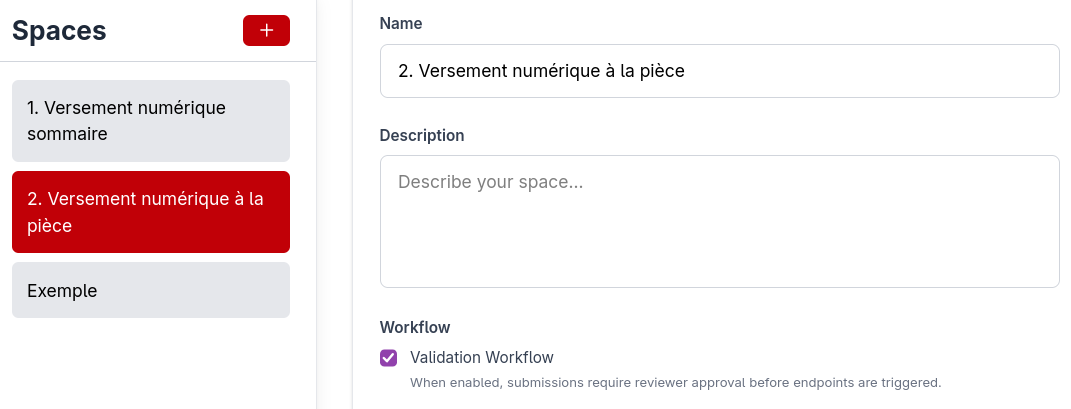
To enable a validation workflow for a specific space, navigate to the Space Configuration and select the Validation Workflow checkbox.
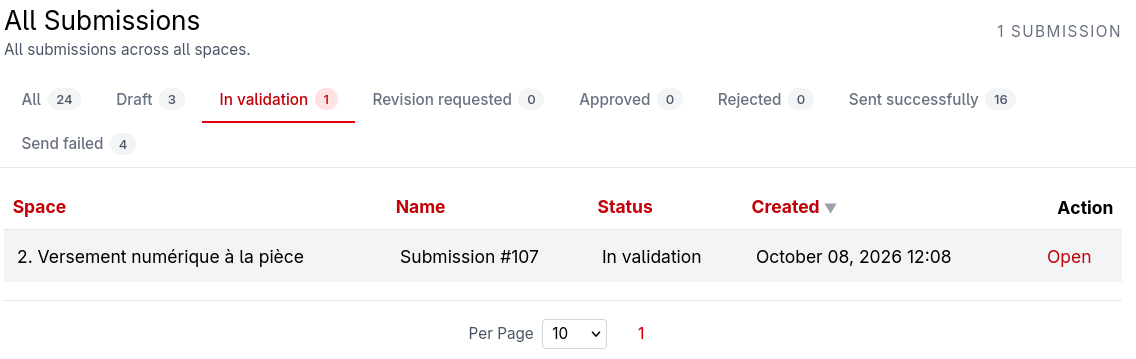
All submissions to a space that defines a validation workflow will be set to the status In Validation and will appear in the according tab in Submissions. When a reviewer opens the submission, they can approve, reject or request revision of the submission.
When a validation workflow is active, all new submissions are automatically assigned the status In Validation. These submissions appear in the dedicated tab within the Submissions module.
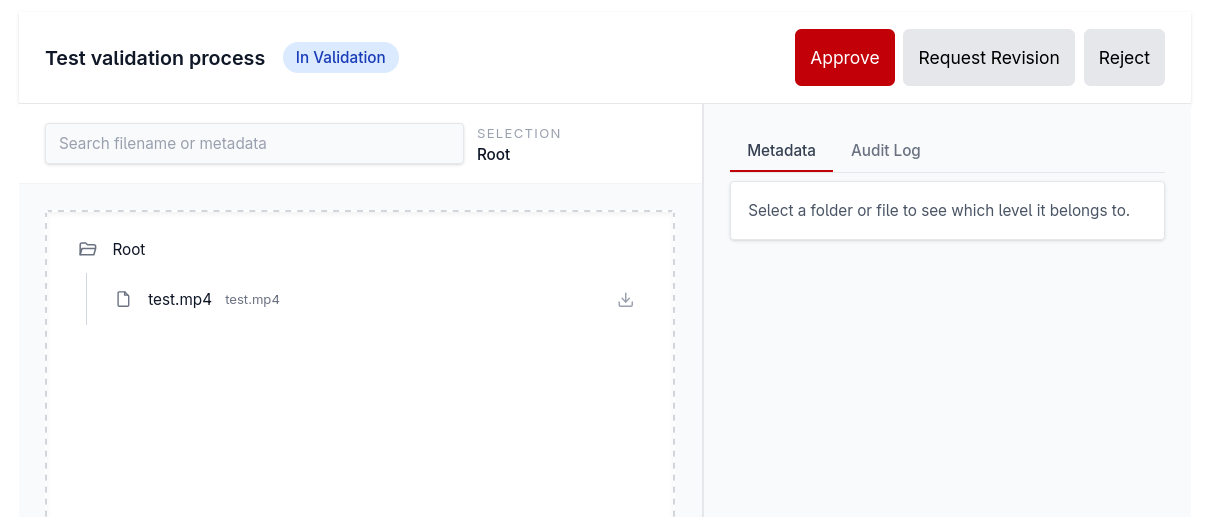
Upon opening a submission, a reviewer can choose to:
- Approve the submission.
- Request Revision: The reviewer can provide specific instructions regarding required changes.
- Reject the submission.
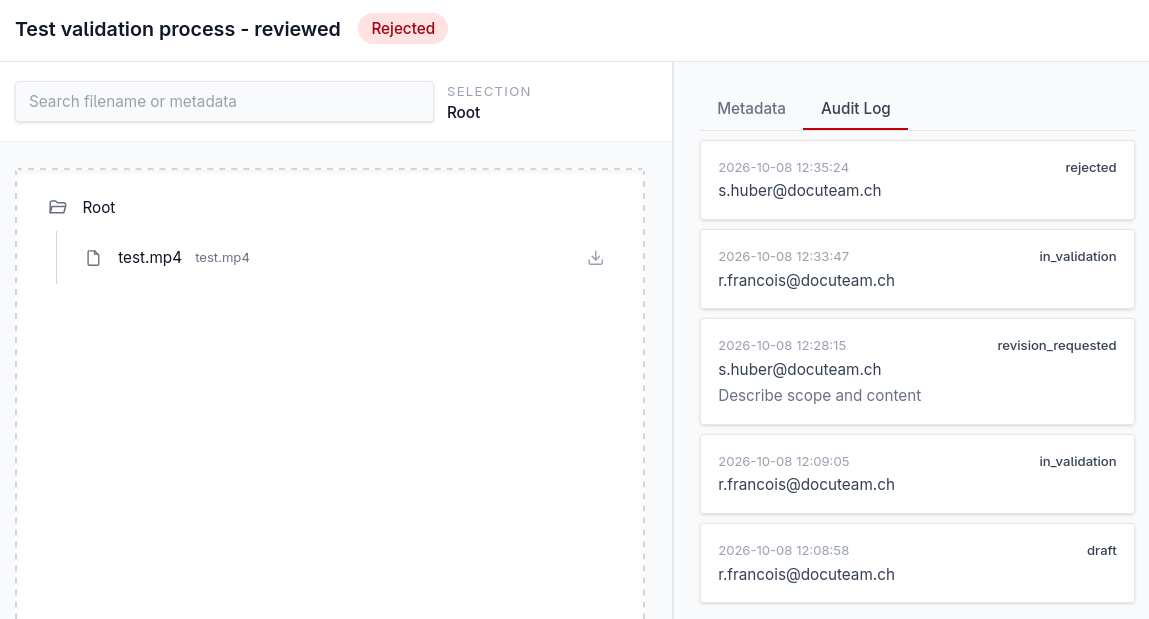
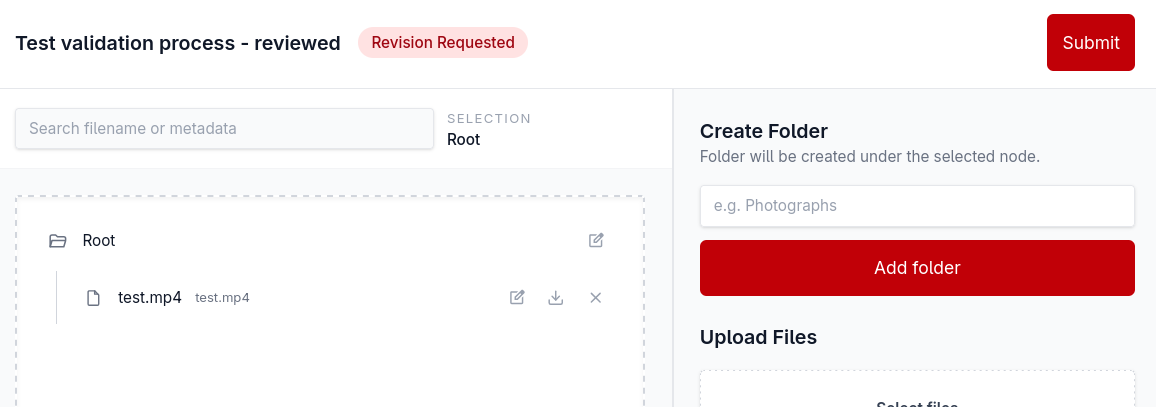
All reviewer comments and revision requests are recorded in the Audit Log tab on the right side of the interface. If changes are requested, the submission status updates to Revision Requested, which is visible at the top of the submission view when reopened.
Submissions that have been denied can be found under the Rejected tab.
Within this view, users can review the Audit Log for context and download any associated files.