Submissions
Submission management
The Submissions page provides a comprehensive overview of all submissions within the Spaces to which the user has access. This view is also available to external users accessing the platform via Access Links.
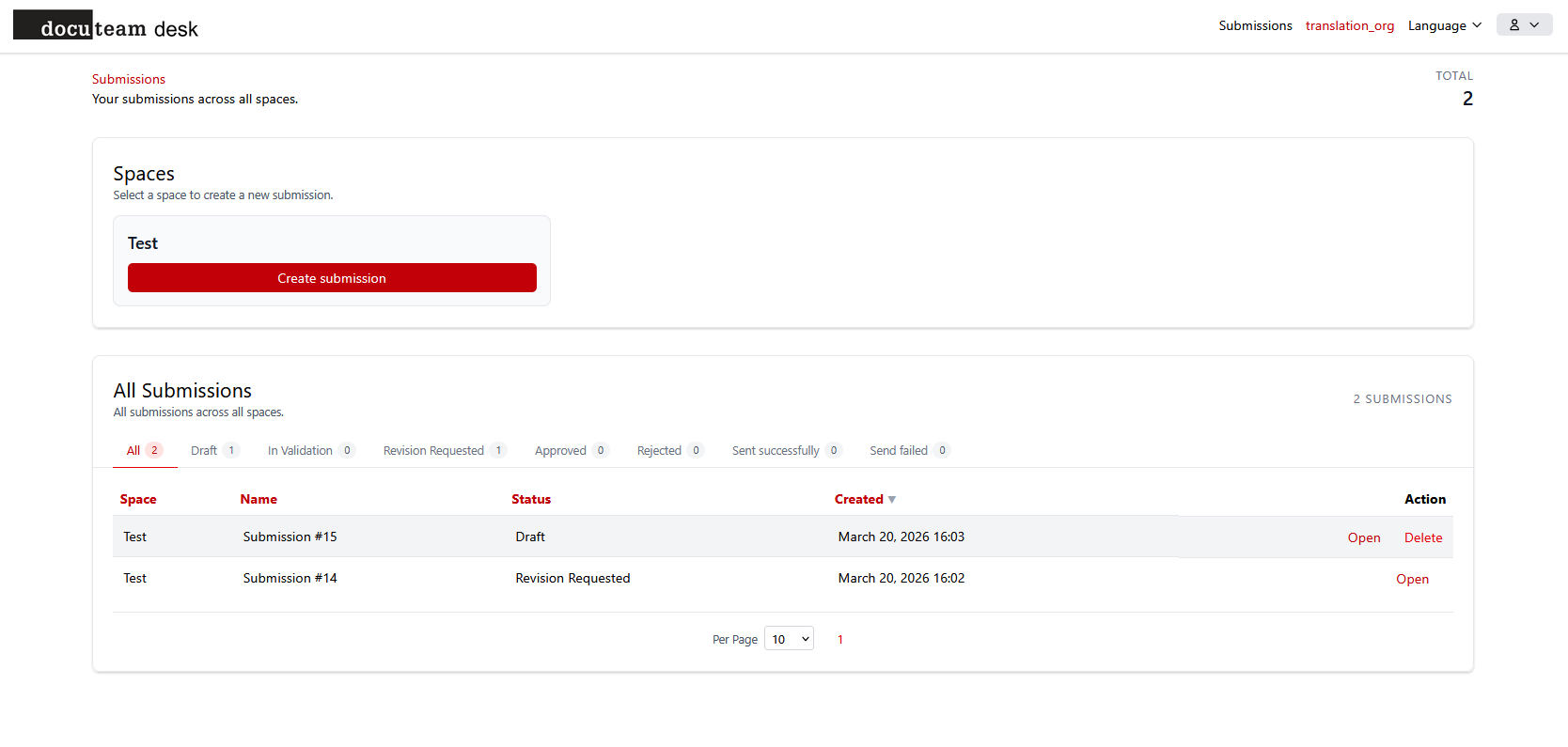
Create a submission
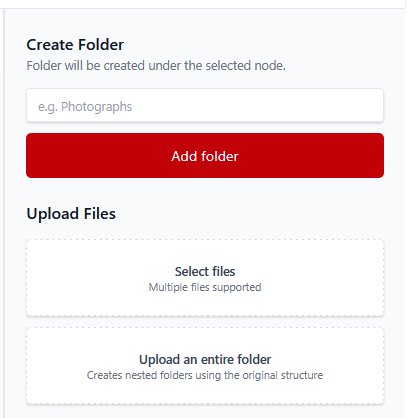
The interface supports flexible content upload, allowing users to:
- Upload individual files.
- Upload entire directory structures.
- Create new, empty folders within the submission.
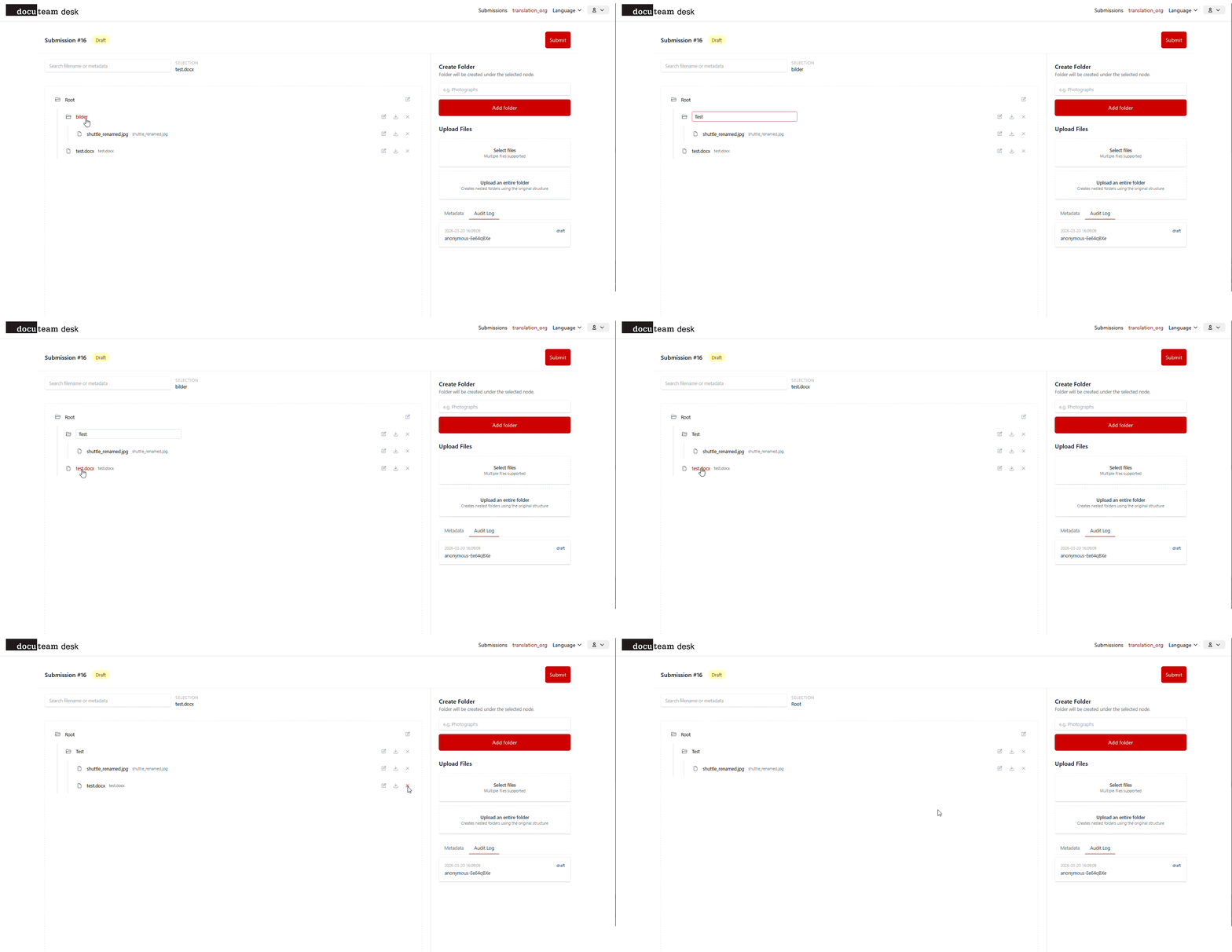
Once uploaded, the folder hierarchy can be reorganized using a drag-and-drop interface directly within the application.
Each element within a submission can be enriched with descriptive metadata. To modify metadata, click the Edit icon located to the right of each file or folder. To modify the level from the default set in the space configuration, right-click on either folder or file elements (not Root).
Note: The available metadata fields are determined by the configuration defined in the space's levels.
Submit
A submission can be finalized by clicking the Submit button in the top-right corner of the interface. A submission can only be submitted once all mandatory metadata fields (as defined in the Space configuration) have been completed.
Correct a submission
Submissions currently in either Draft or Revision Requested status can be modified. To make changes, select Open from the submission overview to re-enter the editing interface.
Delete a submission
Users may delete submissions from the overview page provided they are still in Draft status. Once a submission has been officially submitted and entered the workflow, deletion is no longer permitted.
Status of a submission
A submission can be in the following statuses:
- Draft: The submission is being prepared by the user. It can be edited or deleted.
- In Validation: The submission has been submitted and is awaiting review by a designated reviewer (only when a validation workflow is active on the space).
- Revision Requested: A reviewer has requested changes. The submission returns to the submitter for modification.
- Approved: The reviewer has approved the submission.
- Rejected: The reviewer has denied the submission. It can no longer be modified.
- Sent successfully: The approved submission has been successfully delivered to its destination.
- Send failed: The delivery of the approved submission has failed.
Note: In the case of a feeder endpoint: Sent successfully indicates that the submission was handed off to the feeder without error. It does not guarantee that the submission was fully processed on the receiving end. Downstream processing may still fail or be delayed for reasons outside the scope of the submission workflow.