Details of an element
Different views of an element
When you select an element in the middle column — either in the hierarchy or the lists — its details are shown to the right. The same applies when you create a new element.
Several views are available:
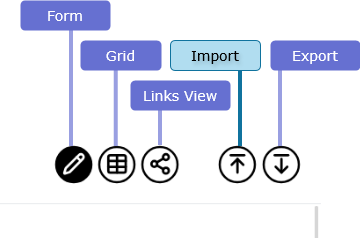
- The form view displays all editable (and some non-editable) data of an entity in a form. These details can be modified and saved. The specific form used depends on the type of record, and can be configured.
- The grid view is used for editing multiple records efficiently at once in a tabular format.
- The links view shows all the entities linked to the record and their relators.
- The box view shows for locations, what documents or dossiers were filed in a box.
- The export view presents the data of an entity and its descendants in a variety of formats useful for external processing.
The form view exists for all entities. The links view, grid view and export view are only available for records.