Instantiations
Instances can be seen in the record's form view. Depending on your browser window width, they will appear either to the right of the form or at the bottom of the page.
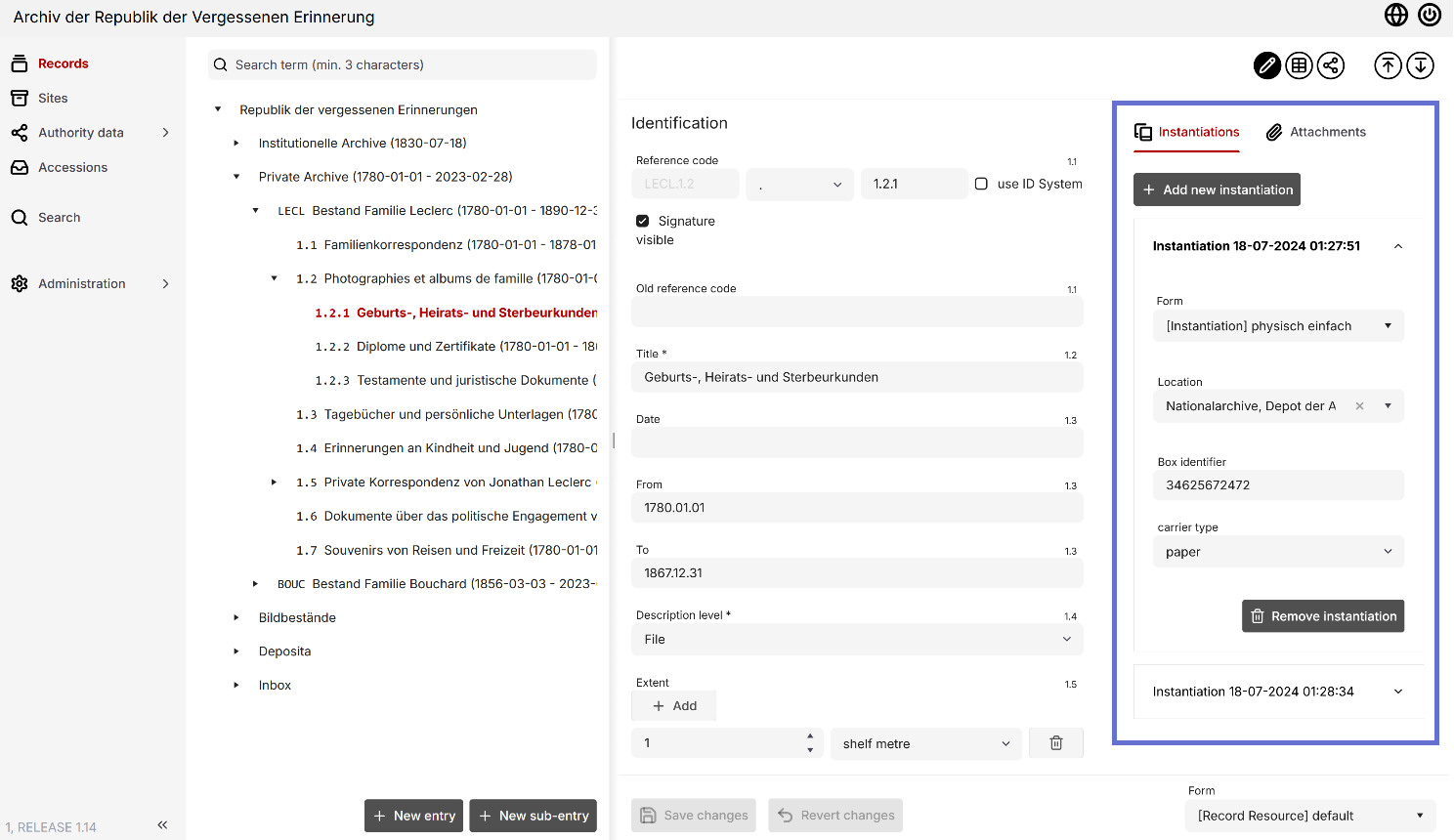
You can configure different forms for instances (just like other entities), such as a form for a physical manifestation and a separate form for referencing digital objects.
Physical Instantiations
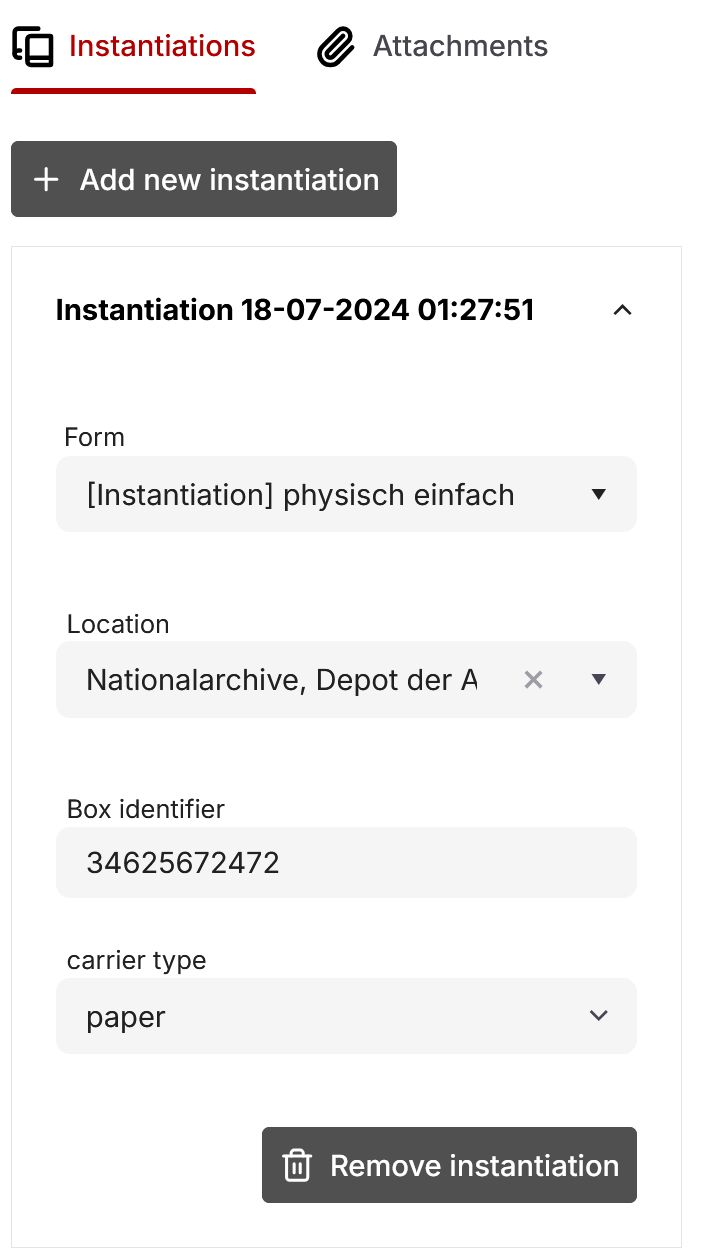
A form for physical instances allows you to link records to a location, which tracks which container holds a particular document. Once linked, the record appears in the relevant box view.
To link a record, simply select an existing location from the "Location" drop-down menu in the instance. If you need to add a new location, please create it first in the "Locations" tab.
Digital Instantiations
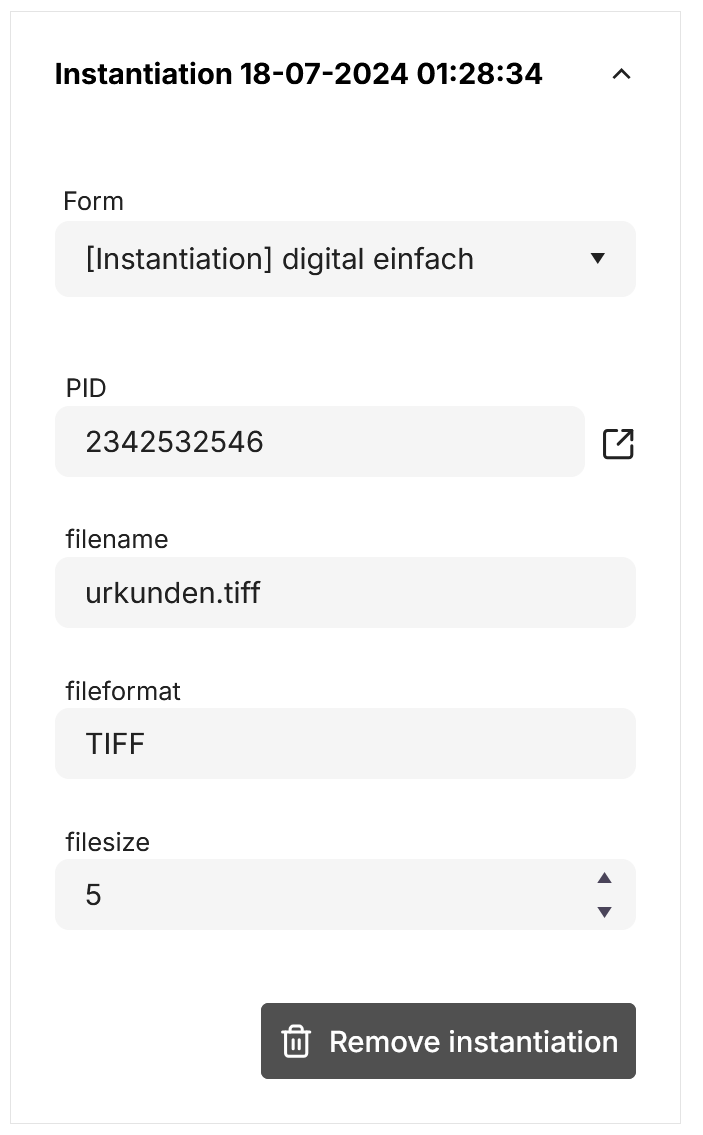
Digital instances point to a digital object's PID from docuteam box. You can enter this in the "PID" field.
If you use Context with docuteam box, you can access referenced files directly through a link. Clicking it opens the relevant page in docuteam box.
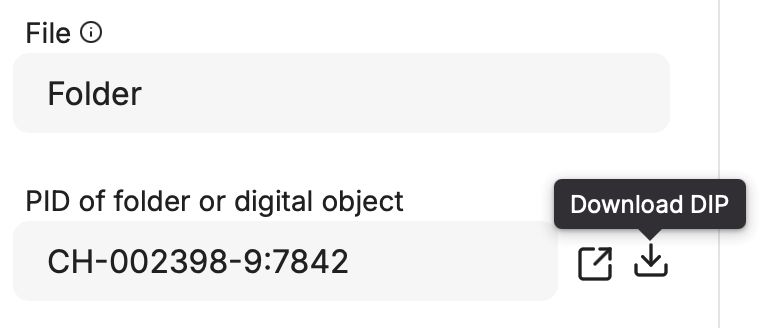
With the correct configuration, you can also download a DIP including the referenced object directly into Context.
DIP downloads may take a while depending on the size of the object (especially for folders). Since no progress bar is currently shown during the process, please wait until the download is finished.
Attachments
In docuteam context, attachments can be added to individual entries. These are not considered archival objects and, therefore, are not linked to a record via instances. Their primary purpose is the illustration and visualization of a record.
You can attach various image, video, and document formats to a record. Unlike objects in the digital long-term archive, attachments do not include metadata. The attachment name corresponds to the filename of the uploaded file and cannot be modified.
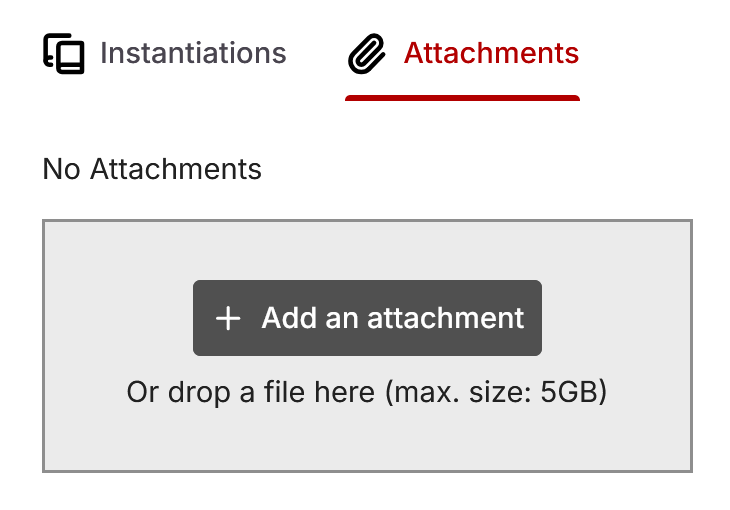
Attachments are disabled by default. Please get in touch with us if you would like to enable this feature. Keep in mind that attachments require extra storage space and involve additional costs.