Use docuteam context
Structure of the app
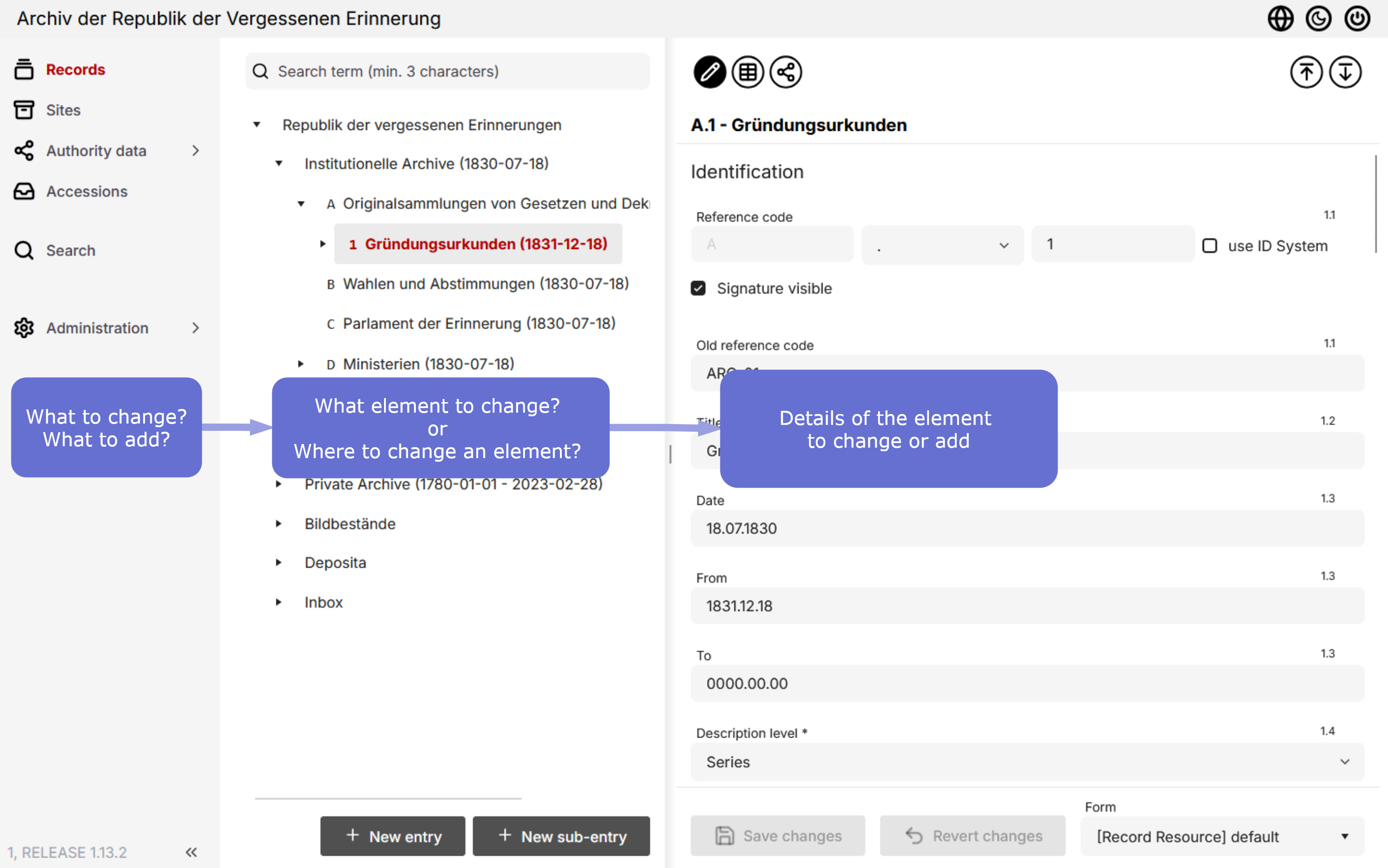
docuteam context is structured in three parts:
- On the left, you choose the type of information you want to enter or manage — records (descriptive units), locations, or authority data.
- In the middle column, you select a specific element to edit or where you want to create a new entry.
- To the right, the details of the selected element are shown.
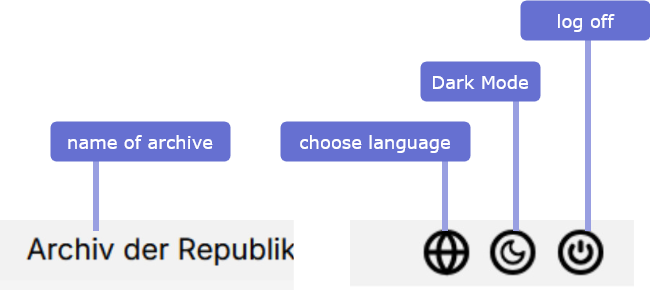
docuteam context also includes a header at the top showing the archive name. On the top right, you can set the user interface language, switch between display modes, and log out.
Dark Mode not available at the moment
The Dark Mode is being revised and not available at the moment.