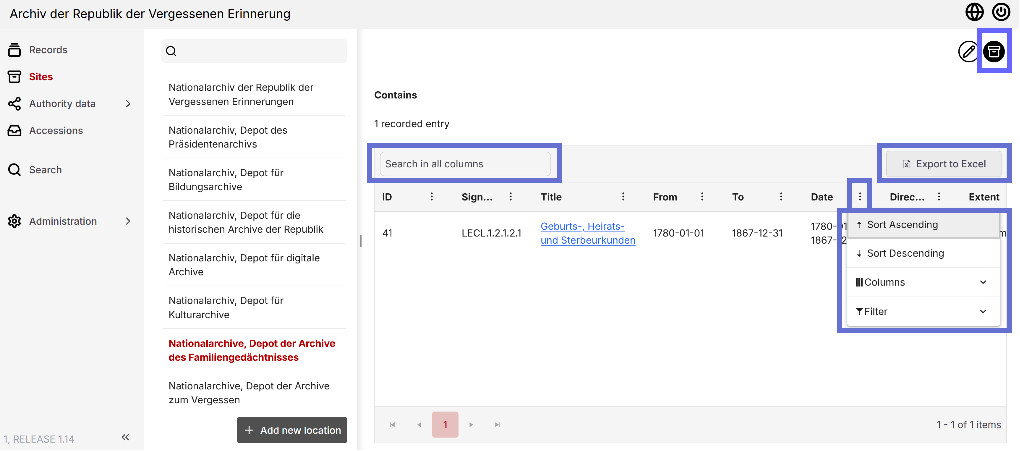
Links view and Box view
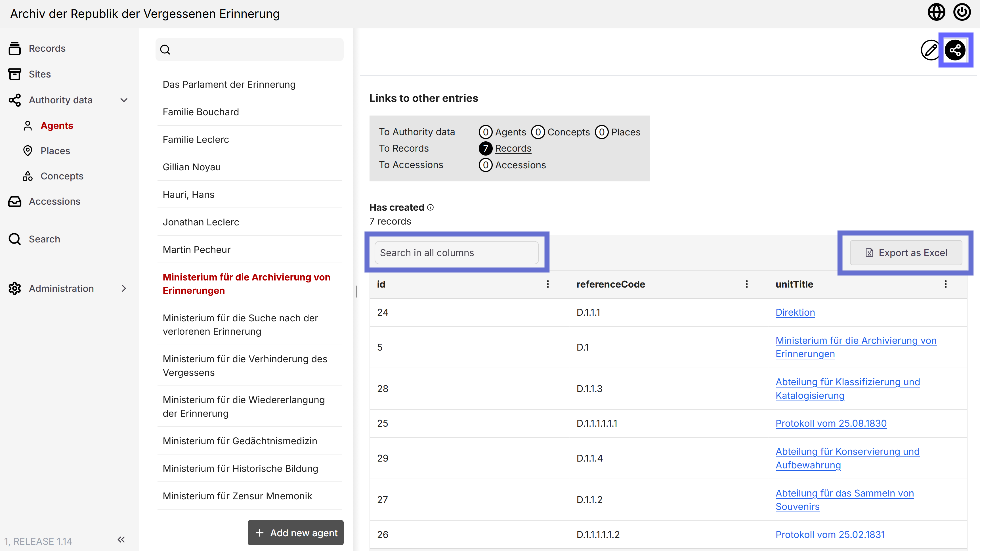
Context provides two views that represent the relationships within the underlying RiC model. In both views, listed entries can be searched, columns customized, and results filtered. Additionally, entries can be exported as Excel files.
Links View: Connections between Authority Data and Records
The Links view shows entries that are associated with a record, agent, concept, or location. These entries are grouped by the type of relationship (relation).
For common connections, easy-to-understand titles are used—for example, "has archived" for the "hasAgent/processInfoArchivist" relation. Detailed information about a relation can be found by clicking the "(i)" icon located directly next to the title.
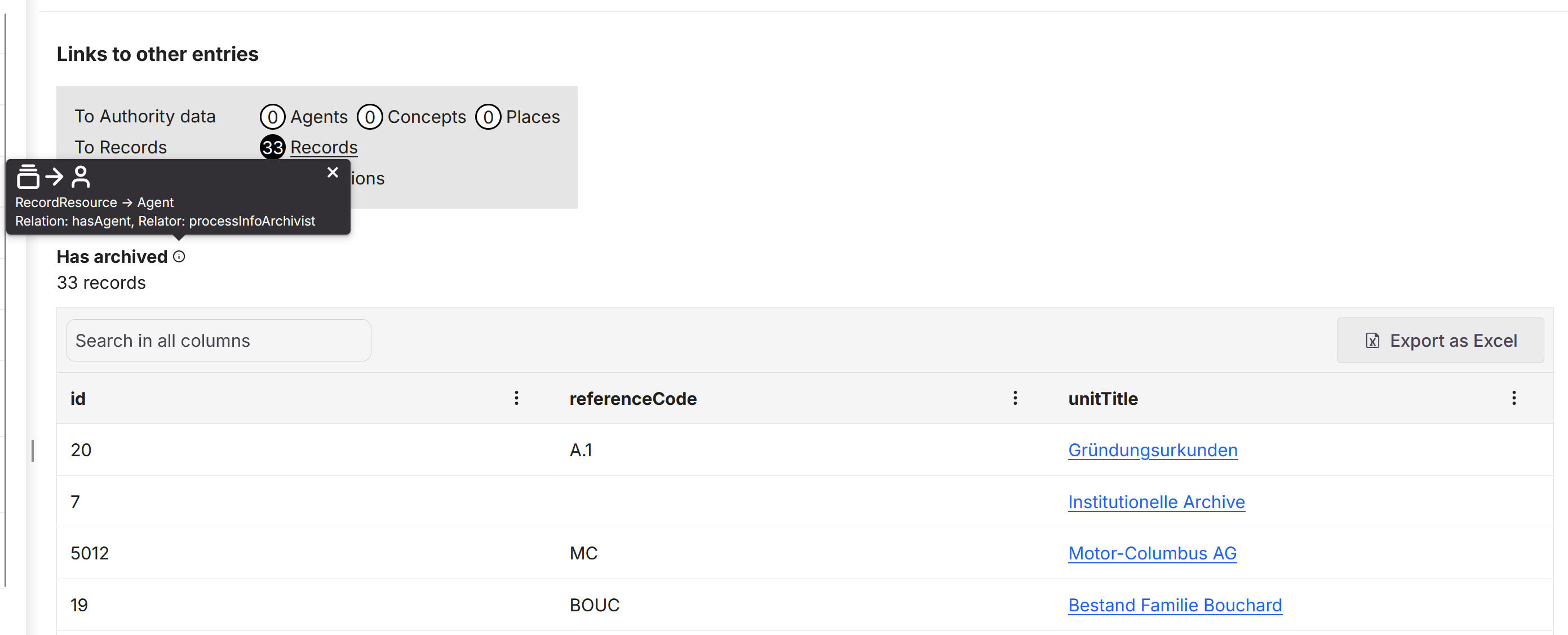
Clicking an object's name attribute takes you directly to its entry.
Box View: Where is it filed?
The Box view displays which records are stored in each location. It is particularly useful for containers, as it allows them to show which documents or dossiers they hold. This view was developed to make day-to-day archival work more efficient.